Änderungsprotokoll

Verfolgen Sie neue Updates und Verbesserungen von SupplyX GmbH.

27. April 2026

We acknowledge that the last email regarding the announcement of the switch to Multi-Factor Authentication (MFA) for logging into the Digital Platform looked unusual, and the sender address (register.supplyx@edi.d.supplyx-tech.com) didn't help either.

In response to this, we have created the following dedicated email address:

noreply@notifications.supplyx-tech.com

Going forward, announcements and changes of this nature will be communicated via this address.

_________________

To keep your accounts safe, we are making Multi-Factor Authentication (MFA) mandatory for everyone starting May 4, 2026.

What does this mean for you?
After this date, the first time you log in you will be asked to set up MFA if you haven't done so already. You simply scan a QR code with an Authenticator App of your choice — such as Microsoft Authenticator or Google Authenticator — and from that point on, the app will generate a one-time code that you enter alongside your usual password each time you log in.

Why are we doing this?
MFA adds a powerful extra layer of security to your account. Even if your password were ever compromised, no one could access your account without also having your phone.

Our recommendation: 
Set it up now! You don't have to wait until May 4. We have sent an email to each user currently not using MFA yet, that guides you to enable it!

(Check your spam folder, if you don't see it in your inbox)

Example Mail that guides you through the MFA Process

24. April 2026

To keep your accounts safe, we are making Multi-Factor Authentication (MFA) mandatory for everyone starting May 4, 2026.

What does this mean for you?
After this date, the first time you log in you will be asked to set up MFA if you haven't done so already. You simply scan a QR code with an Authenticator App of your choice — such as Microsoft Authenticator or Google Authenticator — and from that point on, the app will generate a one-time code that you enter alongside your usual password each time you log in.

Why are we doing this?
MFA adds a powerful extra layer of security to your account. Even if your password were ever compromised, no one could access your account without also having your phone.

Our recommendation: 
Set it up now! You don't have to wait until May 4. We have sent an email to each user currently not using MFA yet, that guides you to enable it!

(Check your spam folder, if you don't see it in your inbox)
Example Mail that guides you through the MFA Process

30. März 2026

New

Export shipments are now visible and can be managed in the same grids and workflows as import shipments.

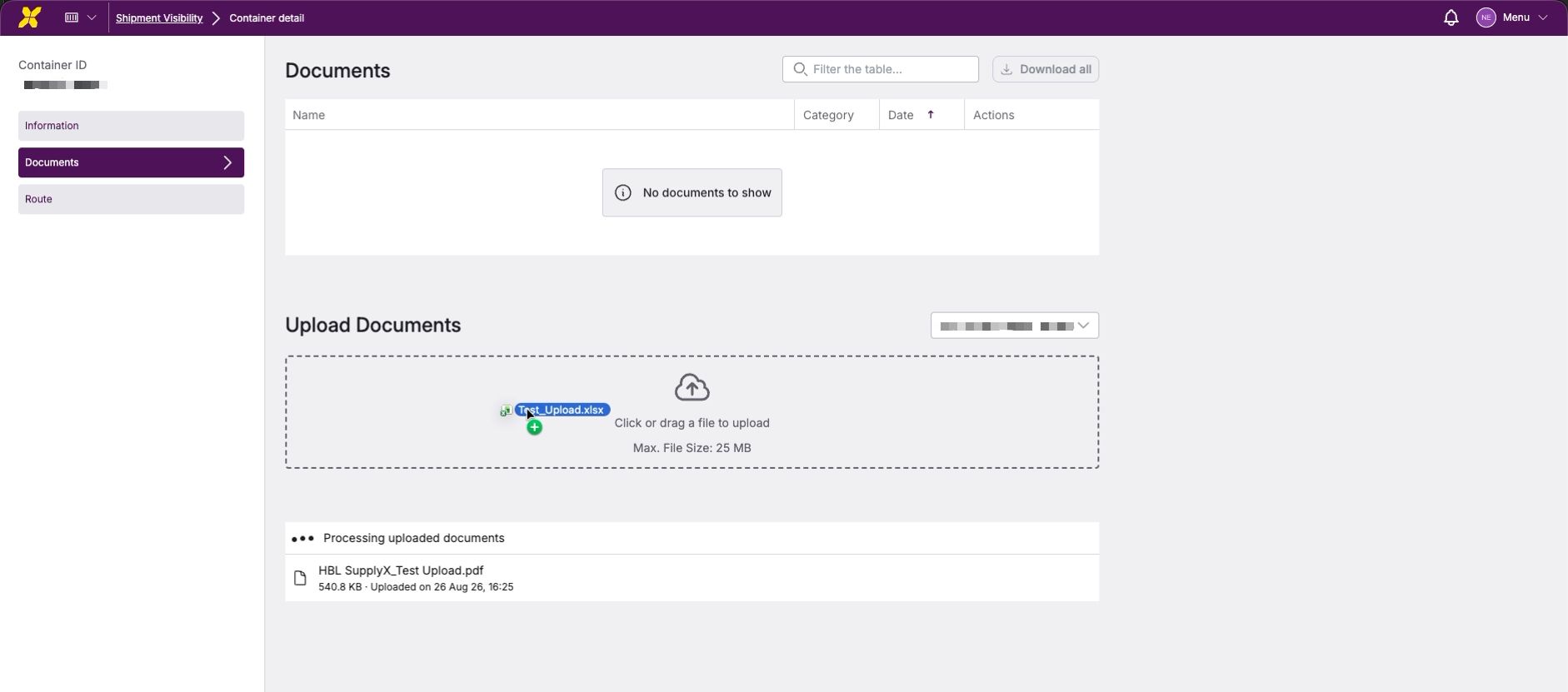
To make the distinction explicit and usable, all relevant container grids now include a new IMP / EXP column, and export-related email attachment documents are available in document management.

The new column is part of the default grid view and is positioned between Movement Type and Supplier.

Users can filter, sort, and group by the new column using the standard grid controls.

30. März 2026

New

Improved

We’ve made it easier than ever to keep up with the latest updates and improvements.

  • Quick Access: Authenticated users will now find a "What's New" action within their user account menu.

  • In-App Experience: Clicking "What's New" triggers a seamless popup window directly inside the Next Level interface.

  • Automatic Updates: Never miss a beat! When new changelog entries are published, the update notification can open automatically the next time you log in or return to the Platform.


How to use it

  1. Click on your User Profile/Account Menu.

  2. Select "What's New".

  3. Browse through our latest features, bug fixes, and improvements.

24. Februar 2026

New

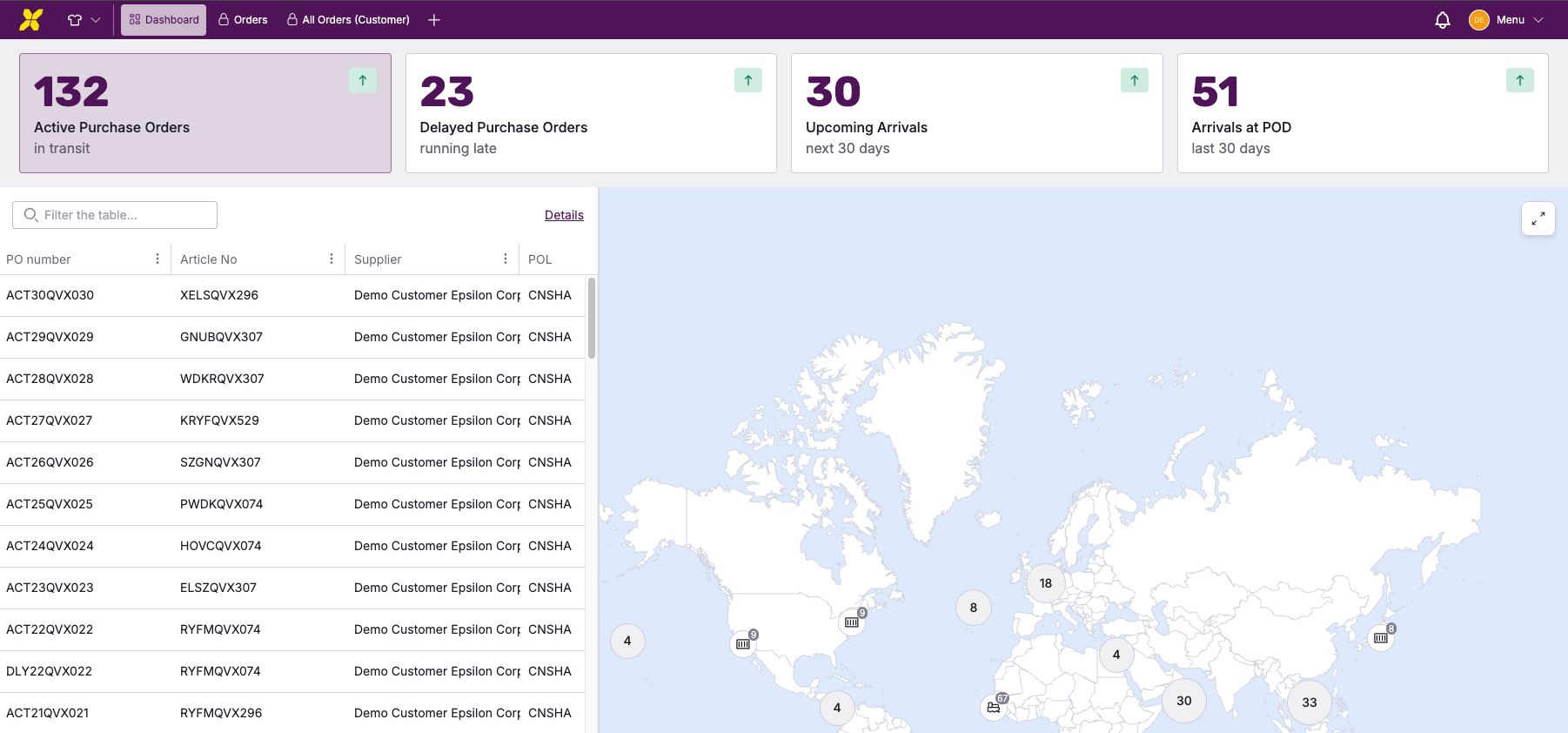
Ab jetzt kann man alle Sendungen, die über die Welt verteilt sind, auf einen Blick erfassen.

Neu in diesem Release:

  • Dashboard-Übersicht mit den wichtigsten Shipmentmetriken, einer Weltkarte und einer Shipment Übersicht

  • Filterkarten zum schnellen Wechseln zwischen:

    • Aktiven Sendungen

    • Verspäteten Sendungen

    • Bevorstehenden Ankunftsterminen (nächste 30 Tage)

    • Kürzlich angekommenen Sendungen (letzte 30 Tage)

  • Weltkarte mit den Positionen sämtlicher Transportschiffe. Per Klick auf ein Schiff lassen sich alle Details zu den geladenen Containern abrufen

  • Vereinfachte Shipment Übersicht mit direktem Zugriff auf Detailansichten

Vorteile

  • Sofortiger Überblick über Ihre gesamte Sendungssituation

  • Anzeige von Standorten und Status ohne komplexe Tabellen

  • Mit einem Klick von der Übersicht zu den Details